Your progress, at a glance.
Trend weight that smooths out the daily ups and downs, with your pace, your goal and your measurements.


Better habits. Brighter you.
VivFit brings your workouts, meals and rest together in one daily plan, then quietly adjusts it as your week changes.
For iPhone and Android. Coming soon.
See how it works


400+
exercises, each with a step-by-step guide
Every country
kg, lb or stone. Your units.
Works offline
Opens from your last sync.
How it works
A few quick questions about your goals, your week and how you like to eat. Pick up to three goals, tap your answers or just type them.

Your daily target, protein and training week, built together. Every number shows how it was worked out.

Slept badly? The session eases off. Busy week? It gets shorter.
In the app
Trend weight that smooths out the daily ups and downs, with your pace, your goal and your measurements.
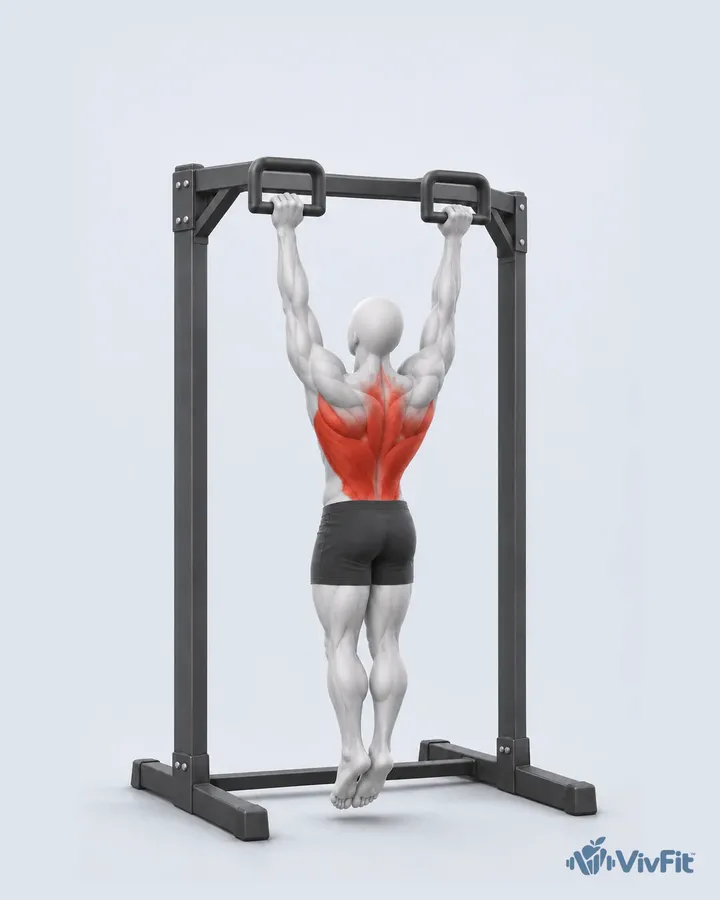
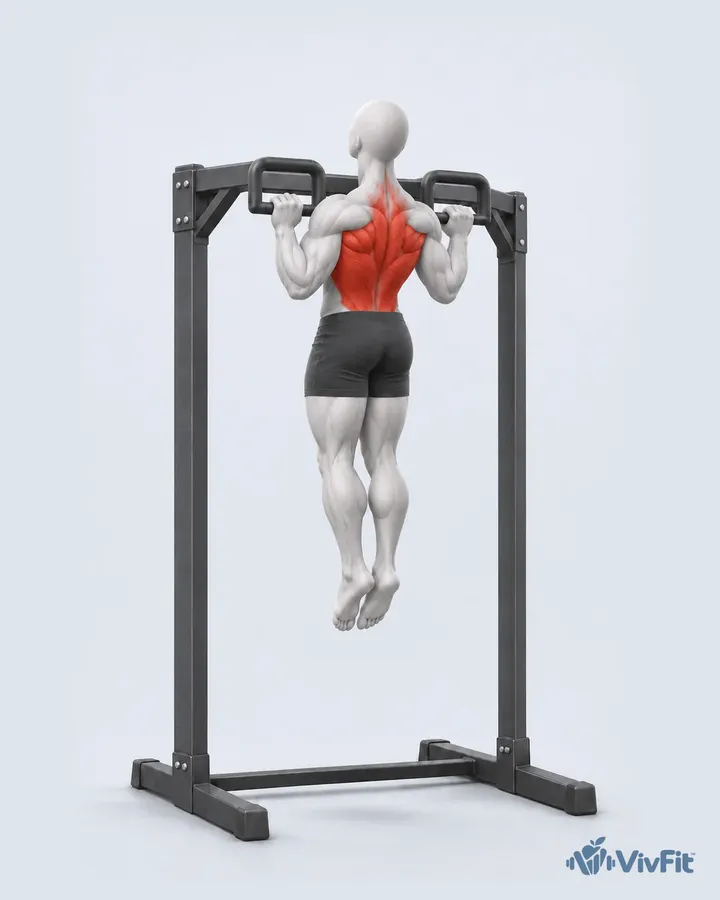
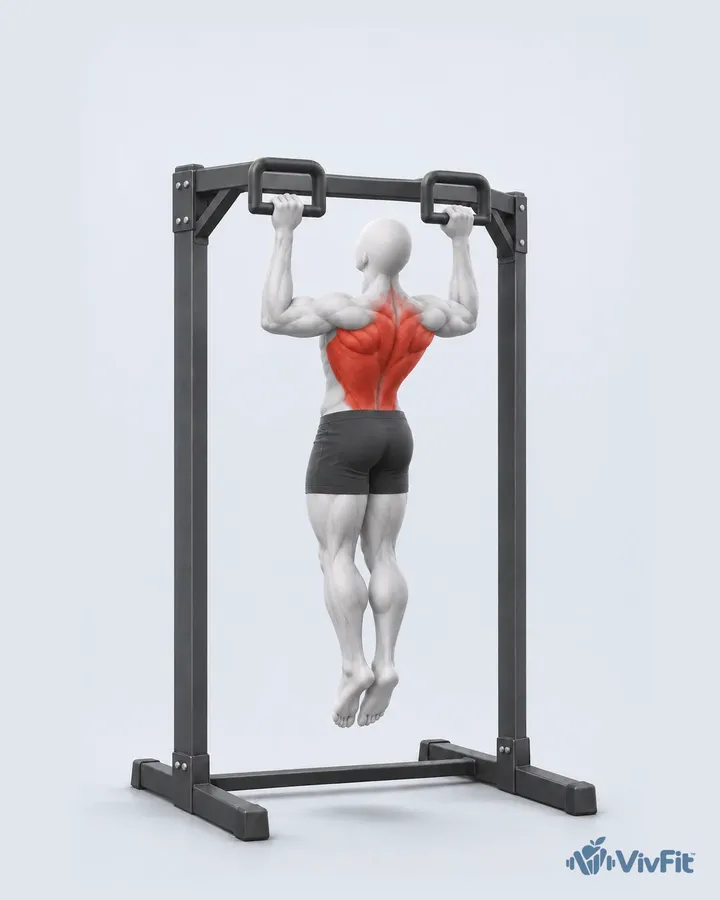
Each exercise shows its key positions on our faceless figure in a calm light studio, with the muscles it works in red.

AI meal scan
Every food and its macros from one photo, with a short coach review of the meal. Nothing is saved until you check it.

Ask VivFit
Ask about training, food or recovery. Answers come from your own plan and logs, and any change waits for your yes.

Portions and macros matched to what you still need today, and safe for your allergies.

A score for the night, your stages, your need and your sleep debt, in plain words.

Choose the Enjoyable eating style: one weekly budget, treat meals planned in and lighter versions of your favourites.


What went well, your numbers against your targets and one thing to try next week.

Stones, pounds or kilos. Miles or kilometres. kcal or kJ.

Slide 1 / 9
Today


What you have left to eat, protein, carbs and fat, today’s workout and your water, with your week and streak along the top.
Protein a little behind? Today says so kindly, with a dinner that closes the gap.
Tap Why? to see what shaped your readiness and your plan today.
Train

Programmes, routines and today’s session, at home or the gym, with the week laid out day by day.
Key positions for each step, the muscles it works in red, a set-up checklist and the common mistakes to avoid.
Your last session sits beside every set, with a suggestion for today and a rest timer that counts for you.
Muscles
Our own 3D figure shows what you trained: paler red for a little, deeper red for a lot. Switch to Recovery to see what is ready, and tap any muscle to see what trains it.
Loading the figure
Tap a muscle on the figure, or pick one here.
A sample week. In the app the map follows the sets you log.
Eat


Search, scan a barcode or a nutrition label, snap a photo of your meal or just describe it.
VivFit finds each food, works out the macros and adds a short coach review. Nothing is saved until you check it.
Meals sized to your targets for every day, with the protein you need and a swap for anything you do not fancy.
Ingredients shared across recipes sit on one line, so you buy each thing once.
Health

Sleep, HRV, resting heart rate and how you feel, in one score with each part’s weight shown.
A sleep score, your stages, your need and your sleep debt, with one tip for tonight.
Connect Apple Health or Health Connect and heart, sleep and activity fill in by themselves. You choose each group.
Progress


Lock your journey behind Face ID or a PIN. Thumbnails stay blurred until you tap Reveal.
Compare two days with matching poses and light. Quiet numbers, no judgement.
Blur your face, hide the numbers, then share a before and after or a short video made on your phone.
Ask VivFit

Ask about training, food or recovery. VivFit answers from your own plan and logs, and any change waits for your yes.
One short tip picked for your day, like trimming a set after a short night, plus meal ideas that fit what you have left.
Questions that need a doctor get a clear “talk to a professional”, not a guess.
A weekly report that says what went well and what to try next. No scolding.
Protein every day, four workouts a week and more. What you already log counts, and a missed day can be rescued.

A freeze each week keeps your streak going when life gets in the way.

Set quiet hours and choose which nudges you want. That is all.
Trust
Your photos, your health data and your time are yours.
Journey photos are locked behind your phone’s unlock. No ads, and your data is never sold. Health data and photos are never used to train AI or seen by our support team. Delete your account in the app any time.
No shaming, no “over budget”. Allergens are never overridden, risky features switch themselves off with a kind explanation, and VivFit is general wellness guidance, not medical advice.
Opens instantly from your last sync and catches up when you are back online.
Up to date
Switch it on: the screen stays put.
kg, lb or stone and pounds. cm or feet and inches. kcal or kJ. Metric, US, UK or your own mix.
Weight 11 st 5 lb, Height 5 ft 10 in, Distance 3.1 mi


Details in our Privacy Policy.
Free vs Pro
Pro details and pricing arrive with the launch.
Pricing at launch
Pricing at launch
Something missing? Ask us in the contact form below and we will add it here.
VivFit is coming soon to iPhone and Android. Join the waitlist and we will email you once, when it opens.
iPhone and Android phones. We will share which versions are supported when the apps go live.
You can start free. There is an optional Pro plan with Ask VivFit, unlimited AI food logging and the full Journey. Pro details and pricing arrive with the launch.
Journey photos are locked behind your phone’s unlock and thumbnails stay blurred until you reveal them. They are never used for ads or to train AI, and never seen by our support team. You can export or delete them any time.
No. VivFit gives general wellness guidance, not medical advice, diagnosis or treatment. For anything medical, or before big changes to how you train or eat, talk to a health professional.
Yes. VivFit opens from your last sync, lets you keep logging, and catches up quietly when you are back online.
Each exercise shows its key positions one after another, on a faceless figure in a light studio, with the muscles it works in red. The step you are on is lit in the list below, and common mistakes are shown as a wrong and a right pair.
Ask VivFit is part of Pro. Ask about your training, food or recovery and it answers from your own plan and logs. It can suggest a change, and nothing changes until you confirm. Questions that need a doctor get a clear “talk to a professional” reply.
Yes. Choose the Enjoyable eating style and VivFit works to a weekly budget: plan a treat meal, bank a little on lighter days and keep your protein steady. We call them treats, never cheat meals. If you prefer, keep every day the same.
Yes. Choose Metric, US or UK, or mix your own: kg, lb or stone and pounds, cm or feet and inches, kcal or kJ.
VivFit can read sleep, steps and heart data from Apple Health on iPhone and Health Connect on Android. You choose what to share, and you can turn it off any time.
In the app, go to Settings, then Privacy and data, then Delete account. Your account and its data are erased after a 30-day grace period. If you cannot get into the app, email support@vivfit.app and we will help.
Guides
Work out your protein target, convert kg to stone, or plan a week of meals with one grocery list. No sign-up needed.

Nutrition
Work out your daily protein in grams with our free calculator. UK adults start at 0.75 g per kg, up to about 1.6 g per kg if you lift weights.
7 min read

Tracking
Convert kg to stone and pounds instantly. One stone is 6.35 kg and one pound is 0.4536 kg. Full tables, plus the rounding traps that fake a plateau.
7 min read

Nutrition
Plan a week of meals and one grocery list in about 20 minutes. Free printable template, a worked example and fixes for why plans fall apart.
7 min read
About
We are building the fitness app we wanted: one plan for how you train, eat and recover, that adapts when life does and never makes you feel behind.
Better habits, brighter you.

Questions, press, partnerships or a hand with something: write to us and we will reply within a few days. You can also email support@vivfit.app.
Be first in when VivFit opens.